
Private Python Packages: Complete Setup Checklist

Pierce Freeman
Private Python packages let you share proprietary code within your team while keeping it secure. They help with access control, dependency management, and ensure consistent workflows. Here's a quick overview of how to set them up:
- Organize your package: Create a clear folder structure with essential files like
pyproject.tomland__init__.py. - Host on a private repository: Use a Python-compatible registry such as Envelope or the GitLab PyPI registry.
- Build & publish: Use the standard
buildandtwinetools to create and upload distributions. - Install securely: Use
pipwith repository URLs and access tokens for installation. - Automate with CI/CD: Streamline updates with GitHub Actions or similar tools.
Best Practices:
- Use short-lived tokens for security.
- Stick to clear versioning (e.g., 1.0.0 for major updates).
- Automate dependency checks and security scans.
Top Platforms:
| Platform | Key Features | Cost |
|---|---|---|
| GitLab PyPI Registry | GitLab CI/CD integration | Included with GitLab plans |
| pypiserver | Self-hosted, lightweight | Infrastructure cost |
| Envelope | Python-specific hosting | $5/month |
Private packages are essential for secure, efficient, and scalable Python development. Ready to set yours up? Let’s dive in!
Checklist for Setting Up Private Python Packages
Follow this checklist to set up secure and team-friendly private Python packages.
1. Organize Your Package Structure
Start with a clear and well-organized structure. Include key files like pyproject.toml for configuration and __init__.py to define the package. Here's an example:
my-package/
├── src/my_package/
│   └── __init__.py
└── pyproject.toml
Your pyproject.toml can look like this:
[tool.poetry]
name = "my-package"
version = "0.1.0"
2. Set Up a Private Repository
Choose a registry that implements the Python package repository APIs. This example uses GitLab's documented PyPI registry with a deploy token. Configure the upload endpoint in ~/.pypirc:
[distutils]
index-servers = gitlab

[gitlab]
repository = https://gitlab.com/api/v4/projects/<project-id>/packages/pypi
Keep credentials out of that file. Supply them to Twine through environment variables:
export TWINE_USERNAME="<deploy-token-username>"
export TWINE_PASSWORD="<deploy-token>"
3. Build and Publish Your Package
Build and validate the distributions before publishing:
python -m pip install build twine
python -m build
python -m twine check dist/*
python -m twine upload --repository gitlab dist/*
4. Install Private Packages
Use pip with the registry's Simple API endpoint. A deploy token can provide read-only access:
pip install --index-url https://<username>:<token>@gitlab.com/api/v4/projects/<project-id>/packages/pypi/simple package-name
Avoid committing credential-bearing URLs. For long-lived configuration, put credentials in a supported credential store or .netrc file instead.
5. Automate with GitHub Actions
Automate package publishing after a release. The same build works in GitHub Actions even when the package registry is hosted elsewhere:
name: Publish Package
on:
  release:
    types: [published]

jobs:
  deploy:
    runs-on: ubuntu-latest
    steps:
      - uses: actions/checkout@v4
      - uses: actions/setup-python@v5
        with:
          python-version: "3.x"
      - name: Build and publish
        env:
          TWINE_USERNAME: ${{ secrets.PACKAGE_REGISTRY_USERNAME }}
          TWINE_PASSWORD: ${{ secrets.PACKAGE_REGISTRY_TOKEN }}
        run: |
          python -m pip install build twine
          python -m build
          python -m twine check dist/*
          python -m twine upload \
            --repository-url "https://gitlab.com/api/v4/projects/${{ vars.GITLAB_PROJECT_ID }}/packages/pypi" \
            dist/*
Once your private package setup is complete, focus on maintaining it effectively for long-term use.
Best Practices for Managing Private Python Packages
Secure Repository and Access Tokens
Use short-lived or package-specific tokens instead of permanent ones. Keep credentials out of repository URLs and project files; pip can read them from ~/.netrc:
machine gitlab.com
login <deploy-token-username>
password <deploy-token>
You can then use the registry URL without embedding the token:
pip install --index-url https://gitlab.com/api/v4/projects/<project-id>/packages/pypi/simple package-name
For organizations, consider tools that manage token lifecycles, such as setting expiration dates and automating token rotation. These steps help protect your private packages while enabling smooth collaboration across teams.
Version Control and Dependency Management
Stick to clear versioning practices (e.g., 1.0.0 for major updates) to ensure predictable package updates. Tools like Poetry make managing dependencies straightforward:
[tool.poetry.dependencies]
python = "^3.8"
requests = "^2.28.0"
pandas = ">=1.4.0,<2.0.0"
If Poetry isn't an option, pip-tools provides another effective solution:
pip-compile pyproject.toml  # Create locked dependency files
pip-sync requirements.txt  # Synchronize your environment
Keep Packages Updated and Monitored
Set up automated security scans for your packages to catch vulnerabilities early:
- name: Security Scan
  run: |
    python -m pip install pip-audit
    pip-audit
Track package usage through server logs and establish a clear policy for phasing out older versions:
- Latest version: Fully supported
- Previous major version: Security fixes for 6 months
- Older versions: Marked as deprecated
Regularly check for outdated packages using pip list --outdated and maintain a changelog to document major changes. This keeps your team informed about updates and their impact.
With these practices in place, you're better prepared to choose the right platform for managing private Python packages effectively.
How to Choose a Platform for Private Python Packages
Picking the right platform for hosting your private Python packages involves weighing factors like security, integration options, and cost. The platform you choose will shape how secure, scalable, and efficient your package management process becomes.
Compare Hosting Platforms
Here’s a breakdown of some popular private Python package hosting platforms and what they offer:
| Platform | Best For | Access Model | Operations | Starting Cost |
|---|---|---|---|---|
| Envelope | Teams that want focused, managed Python hosting | Package- and time-limited keys | Fully managed | $5/month |
| GitLab PyPI Registry | Teams already using GitLab | Personal, deploy, and CI job tokens | Managed with your GitLab project | Included with GitLab plans |
| pypiserver | Teams that need full infrastructure control | You configure authentication | Self-hosted | Infrastructure and maintenance |
GitLab Package Registry fits teams that want package publishing and CI/CD inside the same GitLab project. Its Python registry supports pip and Twine, plus deploy tokens and CI job tokens.
Envelope is tailored for Python developers, offering features like unlimited access keys and time-sensitive permissions. Its $5/month Basic plan includes 1GB of storage and 10GB of bandwidth, making it a practical choice for smaller teams.
pypiserver is a lightweight option when you need to own the storage and network boundary. That control also makes your team responsible for authentication, TLS, backups, monitoring, and upgrades.
When deciding on a platform, focus on these key areas:
- Integration: Check if the platform works smoothly with your tools and CI/CD setup.
- Security: Features like 2FA, access controls, and package verification are essential.
- Scalability: Ensure the platform can handle your growing storage and bandwidth needs.
For teams that need full control, self-hosted options like PyPI Server offer flexibility but come with added maintenance responsibilities. Managed solutions often save time and money when you factor in infrastructure and upkeep costs.
Once you’ve chosen the right platform, the next step is to focus on managing and maintaining your private Python packages effectively.
Conclusion: Managing Private Python Packages Effectively
Handling private Python packages well means focusing on security, efficiency, and automation. A solid approach can simplify workflows while keeping sensitive code safe.
Security should always come first. Using packages from reliable sources and managing dependencies carefully helps avoid vulnerabilities. Beyond installations, securing your infrastructure is just as important to protect private packages.
A strong private package system is built around three key areas:
-
Infrastructure Security: Use TLS, store credentials in secure environments, and rely on tools like
pip-compileto keep dependencies safe and reliable. -
Automation and Monitoring: Implement CI/CD pipelines to minimize manual work, and monitor regularly to catch dependency conflicts or security risks early.
-
Version Control and Dependencies: Tools like
poetryorsetuptoolshelp maintain consistent dependencies, reducing errors as your package ecosystem grows.
Treat private packages like production assets. Set up proper access controls, keep documentation up to date, and create clear processes for updates and handling vulnerabilities.
If you're new to private packages, begin with basic security measures and gradually add automation. Focus on reproducible builds and clear dependency management. Make regular security checks and updates a standard part of your workflow.
Private package management isn’t a one-time task - it’s an ongoing effort. Stay updated on security practices and use automation to keep your Python package ecosystem secure and efficient.
FAQs
Can PyPI packages be private?
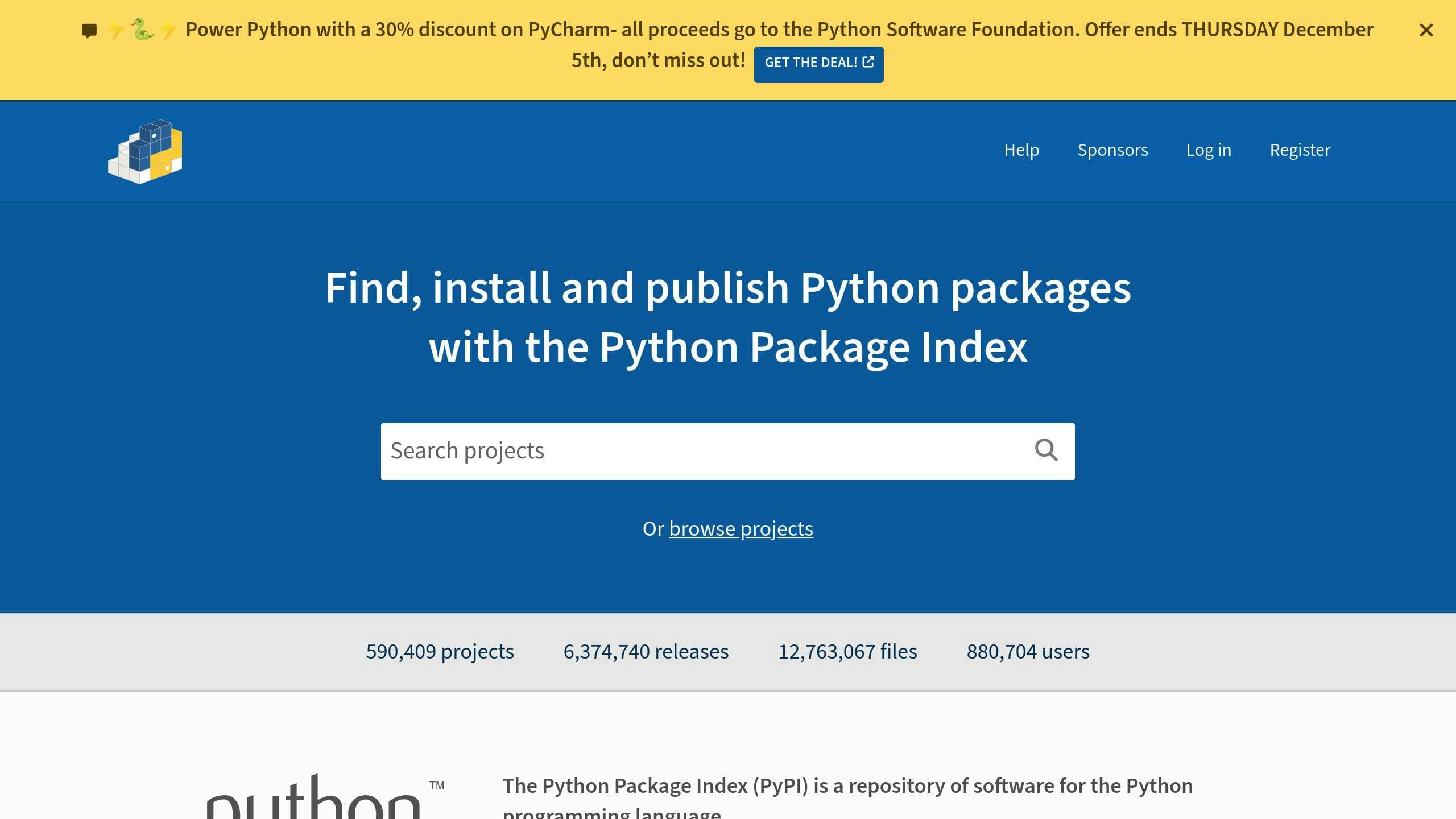
No. PyPI (Python Package Index) is a public repository, so packages uploaded there are public. Use a private, PyPI-compatible registry such as Envelope, GitLab's PyPI registry, or a self-hosted server instead:
pip install --index-url "$PRIVATE_INDEX_URL" package-name
How to create a private PyPI server?
If your team needs full control over package hosting, setting up a private PyPI server is a great option. Here’s how you can do it:
- Set up the server: Install a tool like PyPiServer and create a directory for your packages.
- Enable HTTPS: Secure your server with an SSL certificate, either self-signed or issued by a trusted authority.
- Configure the web server: Use Apache or Nginx to serve your packages efficiently.
- Control access: Add authentication and configure
pipto connect to your private server.
To use your private server, update your requirements.txt file or use the --index-url option with pip to point to your repository. A self-hosted server gives you more control than a managed registry, but it also requires additional maintenance.
For more tips on securing access tokens and managing repository permissions, check out the Best Practices section mentioned earlier.
Ready to secure your Python packages?
Host unlimited private Python packages with simple access controls for your team.